16th
|
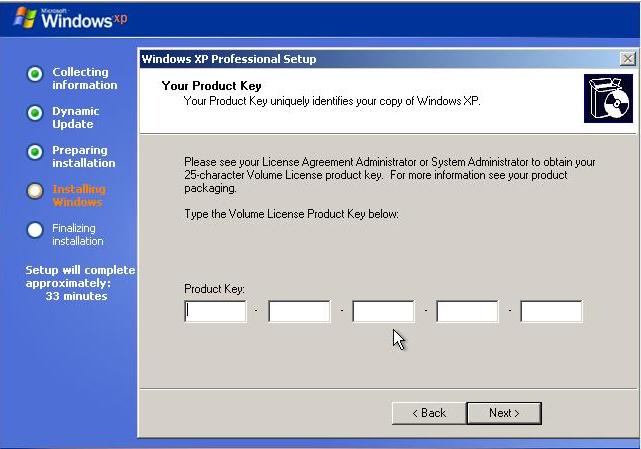
Now it is time to type in your Windows XP CD-key. |
17th
 |
On this screen, give to your computer a name and also a password if you would like to. |
18th
 |
 On
this screen, choose the right Time Zone by clicking on. On
this screen, choose the right Time Zone by clicking on. |
click here to see others images