6th
|
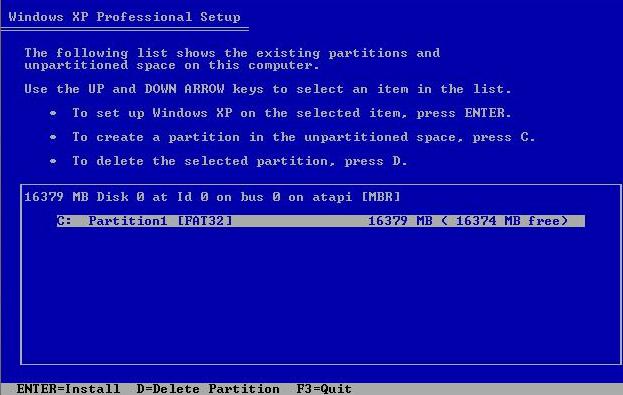
On this screen, you have 3 options: 1th to install windows
xp, 2th to create a partition and 3th to delete a partition. If you have
other OS (operating system) on your hard disk drive, you can use this the
3th option to delete it then use the 2th to create a new one and finally
choose the 1th option to install your Windows xp to your new created
partition. In our case, we would like to install Windows XP. So just
press ENTER to continue.
|
7th
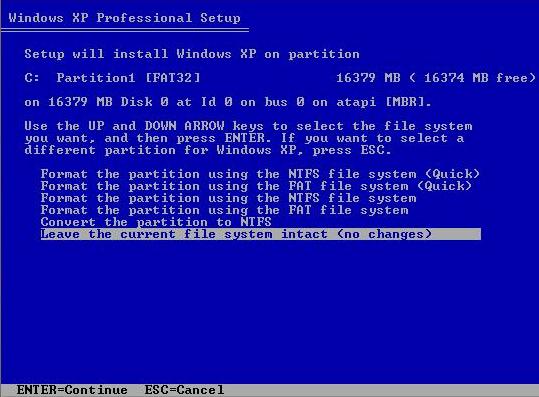 |
On this screen, you should choose Format the partition using the NTFS (new technology file system) file system. |
8th
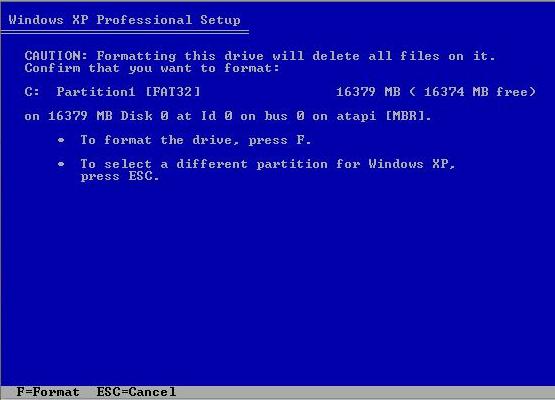 |
This is just a warning. You can ignore it completly then press F bouton to continue. |
9th
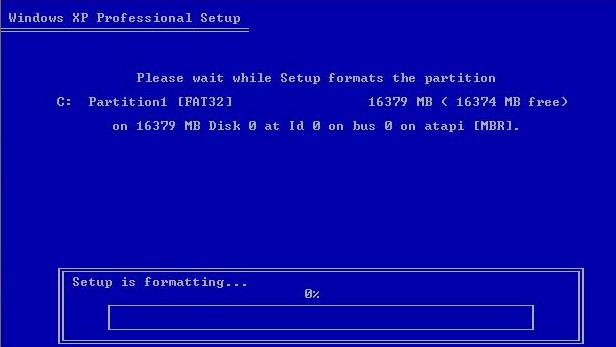 |
Your hard disk drive is on its way to be formatted. It wont take a long time if you have a small hard disk drive. |
10th
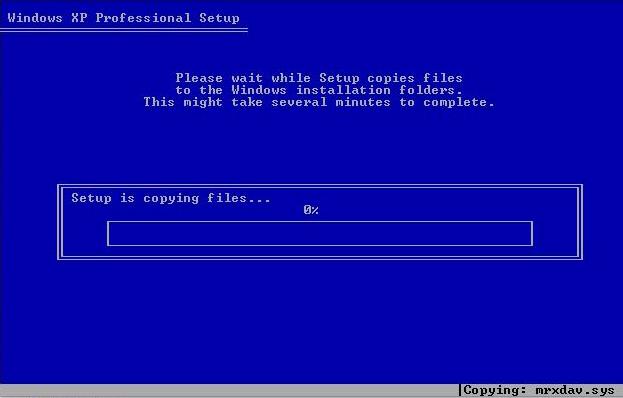 |
The files on your Windows XP cd is going to be copied onto your hard disk drive. It will take a WHILE. So, you should go get something to drink or have a walk or watch tv.:) |
click here to see others images